Rumpelstiltskin AI free preview: watch 4 seconds of your tip toe video before you pay
The Rumpelstiltskin AI free preview gives accounts that sign in with Google one free clip: the opening 4 seconds of your tip toe video, at 480p, with sound and a watermark, ready in about 5 minutes. It’s one per account, and you can watch it but not download it. The full 12-second video is paid and made again from the same photos.
One photo, and you star in your own tip toe video
You play the little man in a 12-second video with AI-generated sound, usually ready in about 13 minutes. Halloween with family or friends? Add a second photo next for the woman in the hay.
You have left · 1 video $9.99 · or 3 for $24.99 · 1 video in 1080p $24.99 · or 3 for $69.99 · see pricing
4s · 480p · watermark · 1 per account
Quick check before your free preview
What the Rumpelstiltskin AI free preview includes
| Free preview | Full video | |
|---|---|---|
| Length | 4 seconds | 12 seconds |
| Resolution | 480p | 720p or 1080p |
| Sound | AI-generated sound | AI-generated sound |
| Watermark | “PREVIEW” and the site name in one line along the bottom | None |
| Download | No, watch only | Yes, MP4 |
| Shape | 9:16 or 16:9, as you pick | Same shape as your preview |
| Ready in | About 5 minutes | About 13 minutes |
| Price | Free | From $9.99 |
| How many | 1 per Google account | As many as you buy |
Only accounts that sign in with Google get the free preview, and each network (the internet connection you’re on, such as home Wi-Fi) gets one every 30 days. Accounts that sign in with an email link can make full videos. For prices and why only the preview is free, see Is the Rumpelstiltskin AI video generator free?
How to get your free preview in 4 steps
1. Add your photos and pick a shape
Put a photo in the little man’s box, the woman’s box, or both; a role without a photo stays as in the original clip. Then pick 9:16 vertical or 16:9 widescreen. The preview uses these photos and this shape. The resolution you pick (720p or 1080p) is for the full video; the preview is always 480p.
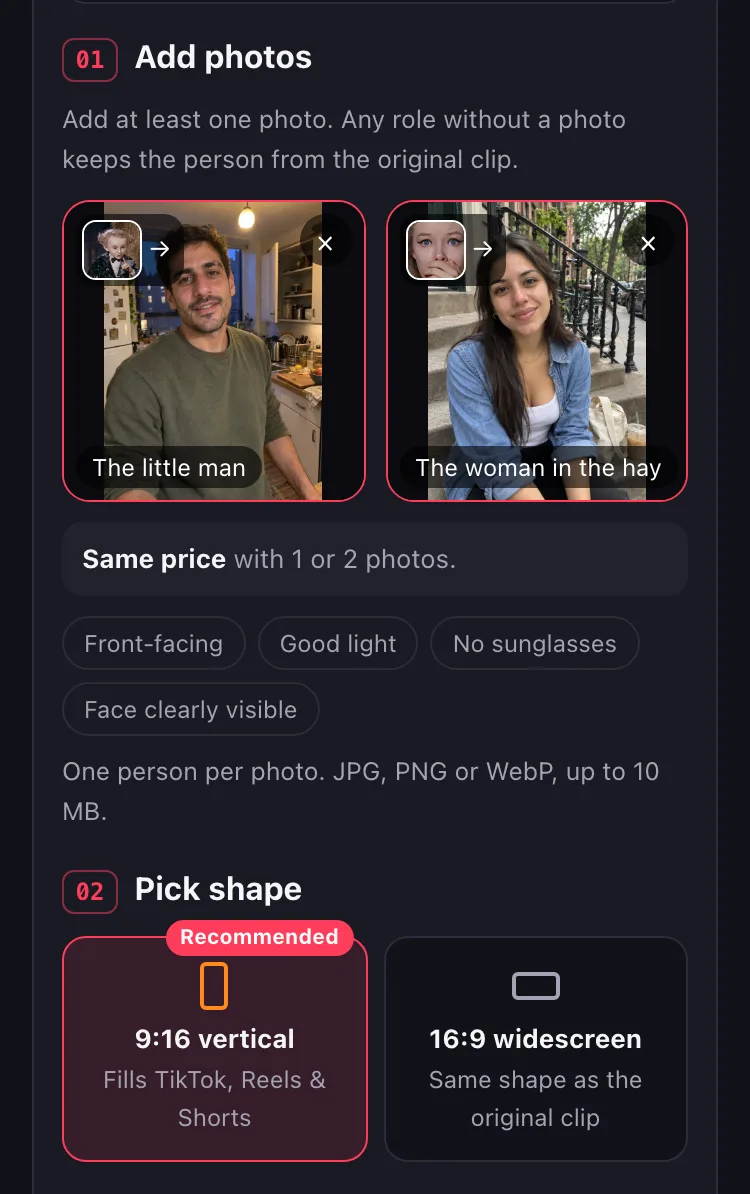
2. Select “Or try a free 4s preview first”
Tick the consent box: you must be 18 or older, and the photos must be of you or of people who agreed to be in them. Then select “Or try a free 4s preview first” at the bottom of the generator, under the price line. The big button above it makes the paid full video.
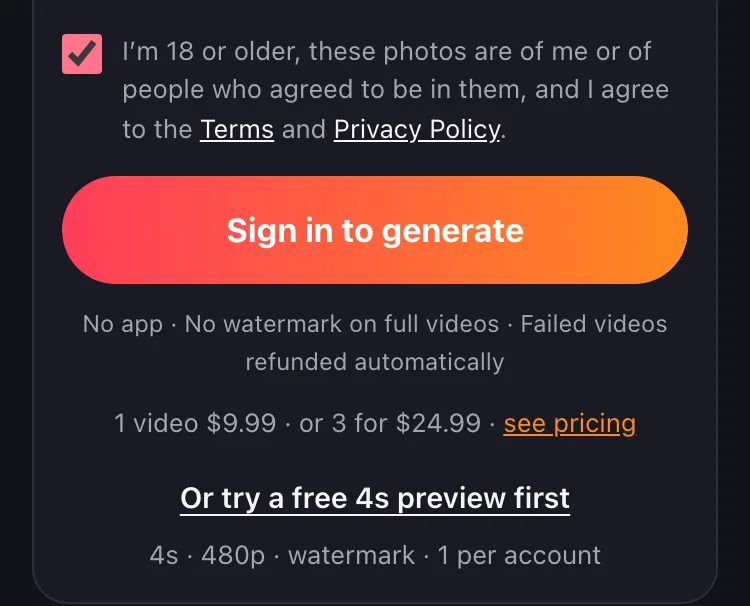
3. Sign in with Google
Choose Continue with Google. Your photos are saved, and the preview starts right after you sign in. You may see a quick check before your free preview: a check box from Cloudflare that confirms you’re a person, not a bot.
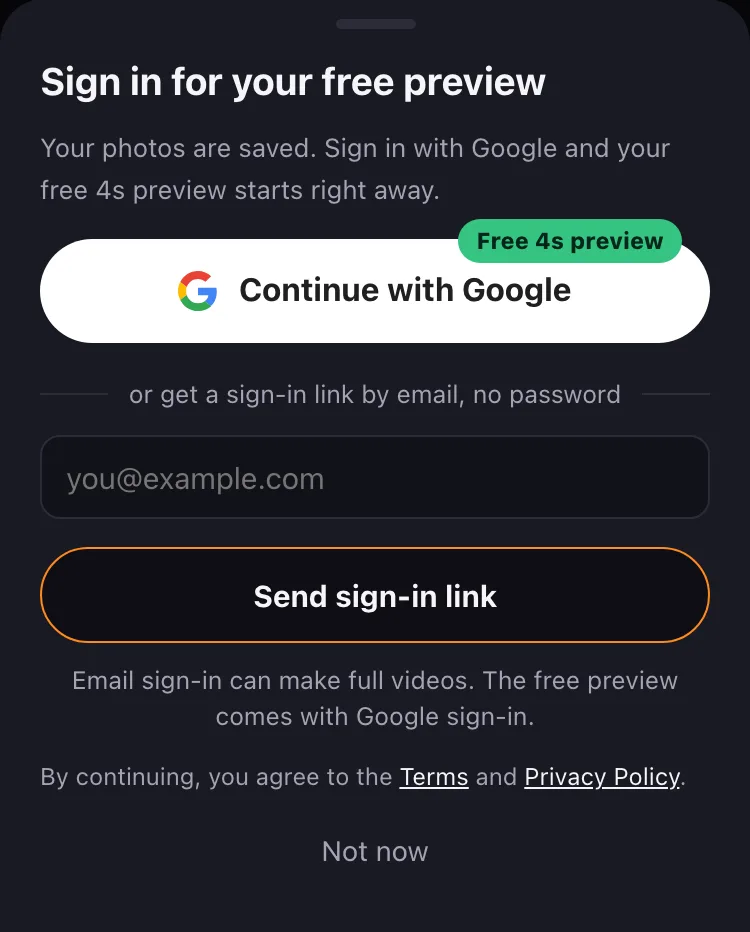
4. Wait about 5 minutes
It’s free, and nothing is charged. You can close the page: we email you when the preview is ready, and it’s also in My videos. If a preview doesn’t work, it doesn’t count, and you can try the free preview again.
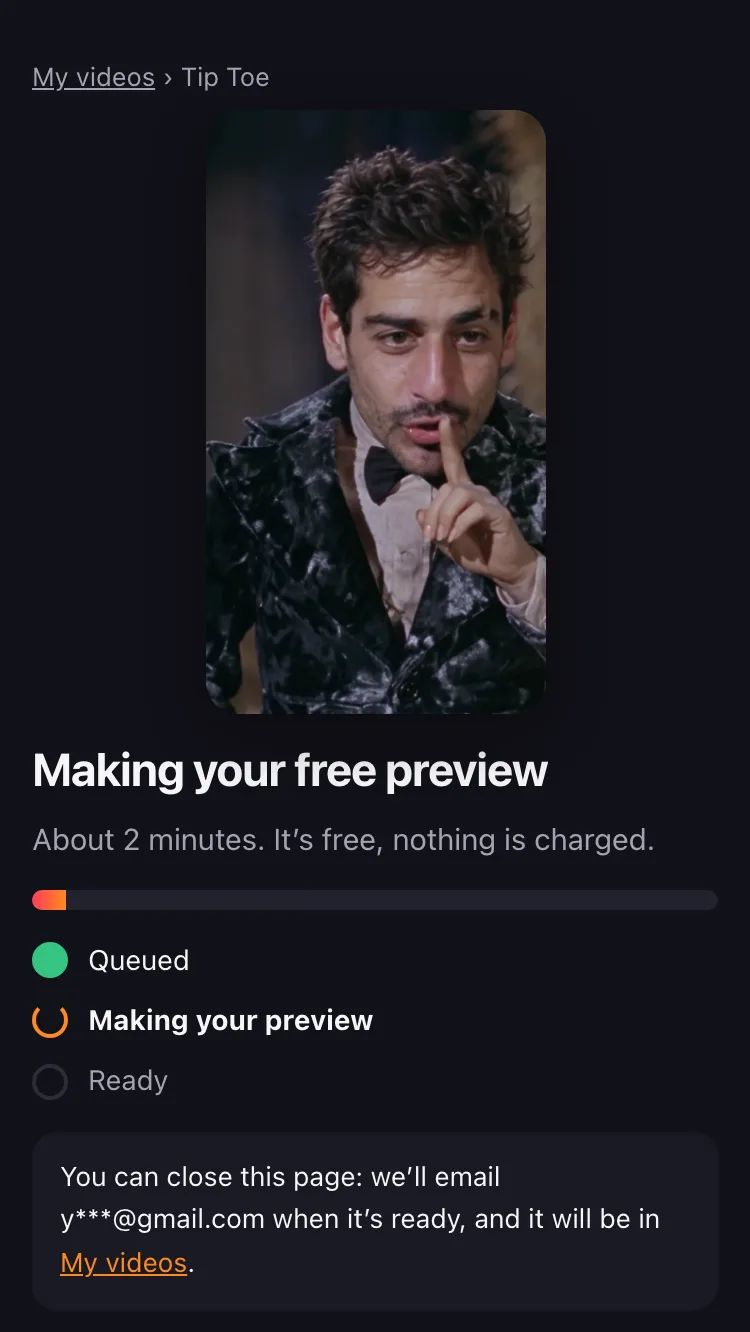
Free preview vs full video: how close is it?
Close, but not identical. We made a free preview from the two AI-generated photos behind our 9:16 example video, one for the little man and one for the woman in the hay. Below, it plays next to the first 4 seconds of the full example video made from the same photos.
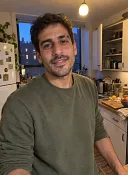 You
You
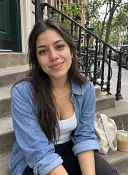 Friend
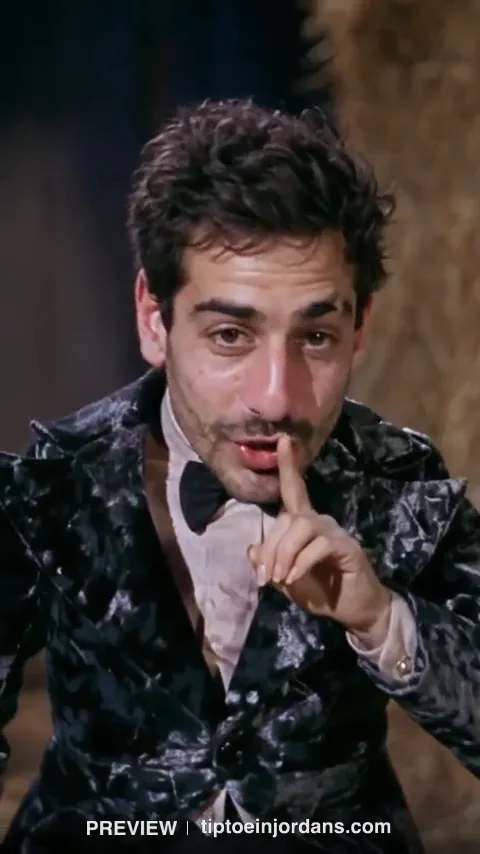
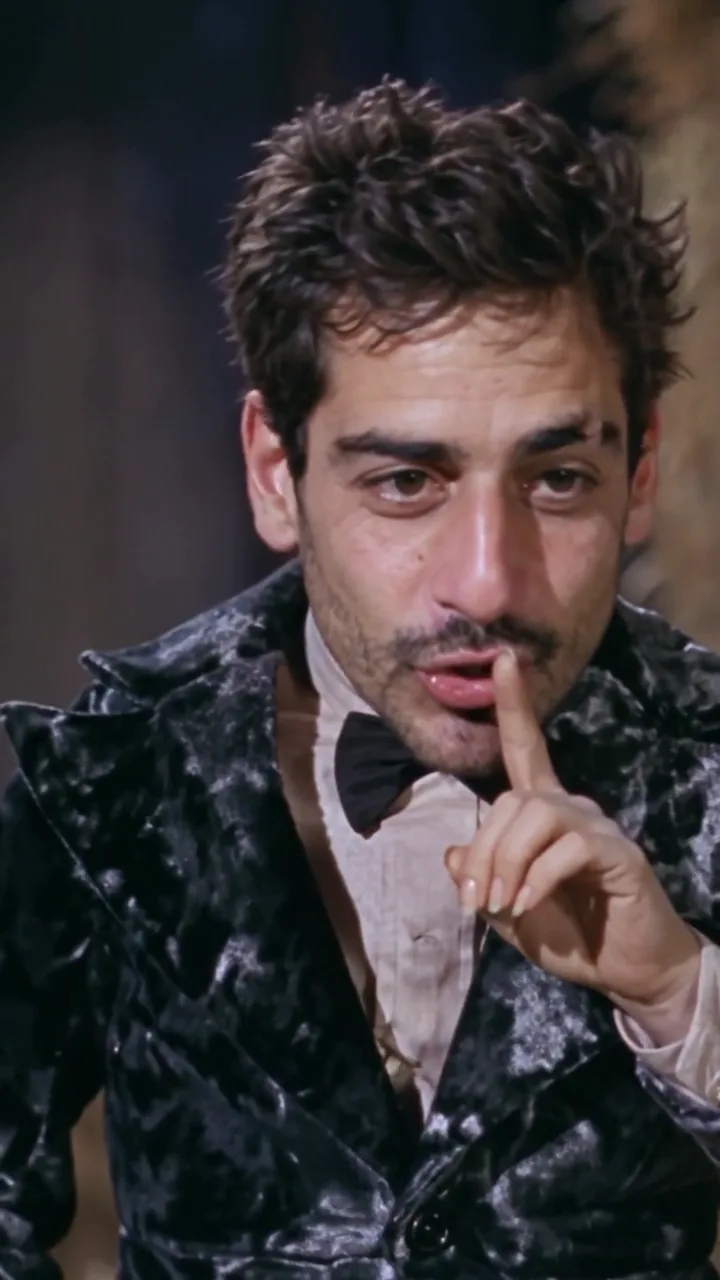
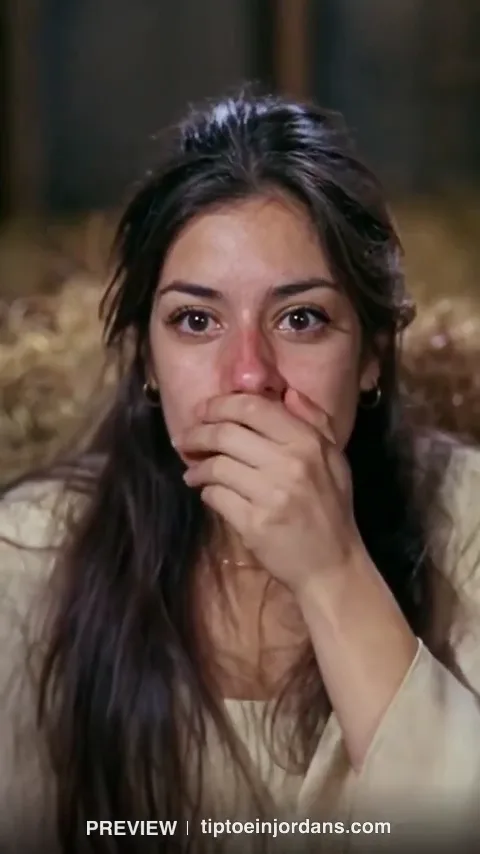
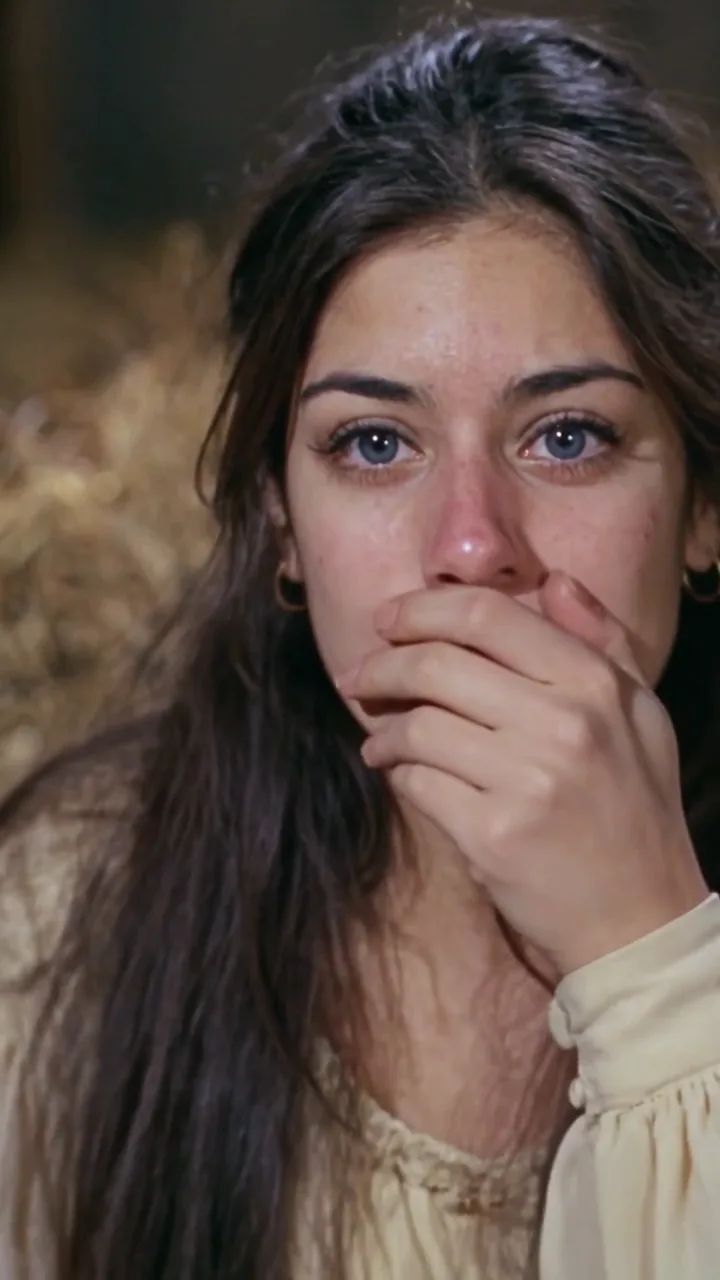
The frames are AI-generated. The small picture in each corner is the uploaded photo for that face, an AI-generated person. Tap a frame to see it larger.
What looks different
- Detail. At 480p, faces are softer than in the full video, with less skin and hair detail.
- Eye color. The woman’s eyes are brown in the preview, as in her photo, and blue in the full video, as in the original clip.
- No dance yet. The preview ends with the little man crouching. He springs up just after it ends, so the tiptoe dance itself isn’t in the preview.
In this example, both faces look like their photos in the preview and in the full video. Still, the full video is made again from the same photos and adds the whole tiptoe dance, so faces and details can differ from the preview.
What to check in your preview before you pay
- The little man’s shush: the close-up near the start. Is that the face from your first photo?
- The woman covering her mouth: the close-up right after it. Is that the face from the second photo?
- Details: eyes, hair, facial hair and glasses.
- Shape and framing: the full video keeps the shape of your preview, 9:16 or 16:9.
- Face looks wrong? Pick a sharper, front-facing photo first: see the photo requirements. Your free preview is used, so new photos go straight to the full video.
- What the preview can’t show: the tiptoe dance starts just after the preview ends. To see the moves, watch our AI videos next to the original.
After the preview: making the full 12-second video
On the preview page, select Make the full video. It uses the same photos and shape, at the resolution you picked in the generator.
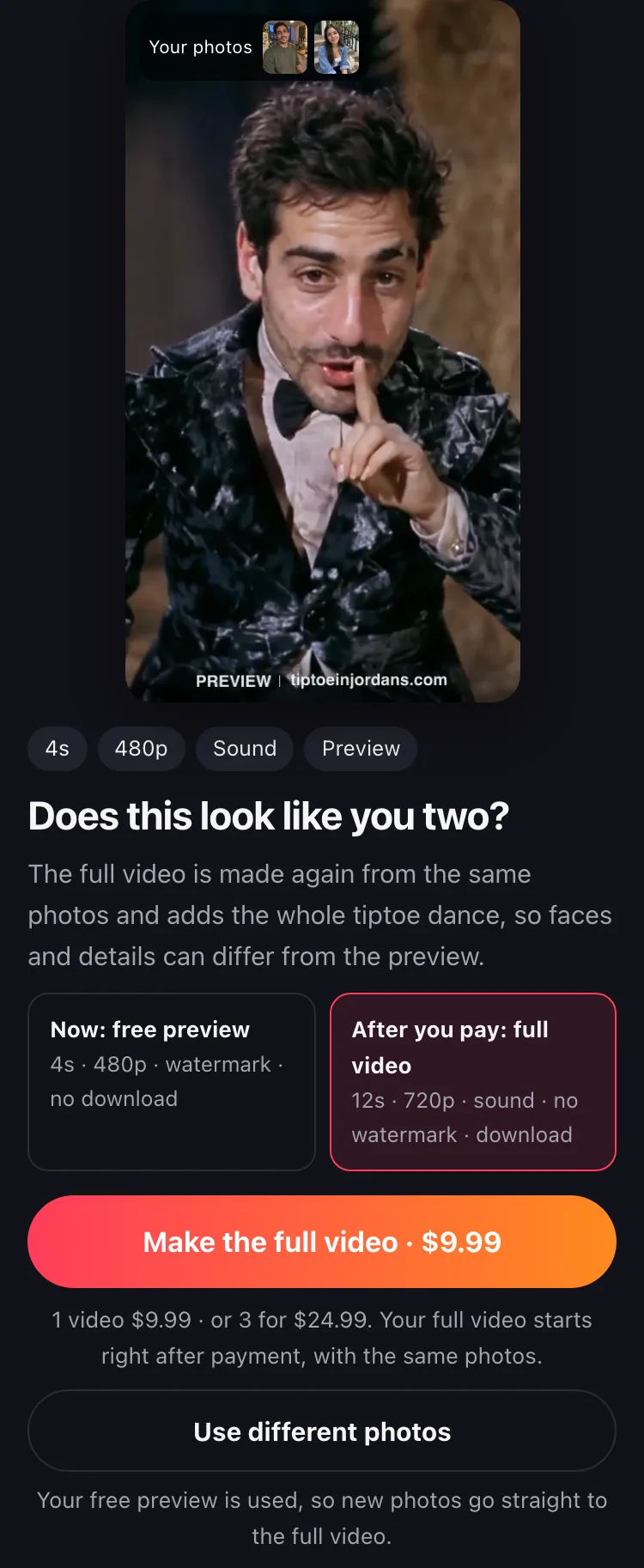
- It’s usually ready in about 13 minutes, and we email you. You get 12 seconds with AI-generated sound and no watermark, as an MP4 download.
- If the full video fails or is blocked, it goes back to your balance automatically. A full video that renders is used, even if you don’t like the likeness.
- Want different photos? Select Use different photos. They go straight to the full video, since the free preview is used.
- The preview and your photos are deleted automatically after 60 days.
Can’t get a free preview? 4 reasons and what to do
- You’ve used your free preview. It’s one per Google account, even if you deleted it. If you didn’t delete it, watch it again in My videos. You can still make the full video.
- This network already got a free preview. Each network, for example a shared Wi-Fi, gets one every 30 days. You can still make the full video.
- You signed in with an email link. The free preview comes with Google sign-in. Your email account can make full videos.
- Free previews have run out for now. Please try again later, or make the full video now.
Rumpelstiltskin AI free preview FAQs
Is there a free trial?
Yes, a free preview. Sign in with Google and you get one 4-second 480p clip of your tip toe video, with sound and a watermark, in about 5 minutes. It’s one per account and one per network every 30 days, and you can watch it but not download it. The full 12-second video starts at $9.99.
How can I get an AI video for free?
Here, the free part is the 4-second preview: add your photos, select “Or try a free 4s preview first” and sign in with Google. The full 12-second video, with no watermark and a download, is paid.
Can I download the Rumpelstiltskin AI free preview?
No. You watch the free preview on its own page, which you can open from My videos. It carries a PREVIEW watermark, and there’s no download button. The full video downloads as an MP4 with no watermark.
Can I post the free preview on TikTok?
No: it can’t be downloaded, it’s 4 seconds long and it carries a watermark. To post, make the full 12-second video and download the MP4. For the song and AI label on TikTok, see posting with the tip toe song.
Does the dance AI app cost money?
There’s no app to install: it runs in your browser. The 4-second preview is free with Google sign-in, and full videos are paid per video, from $9.99, with no subscription.